

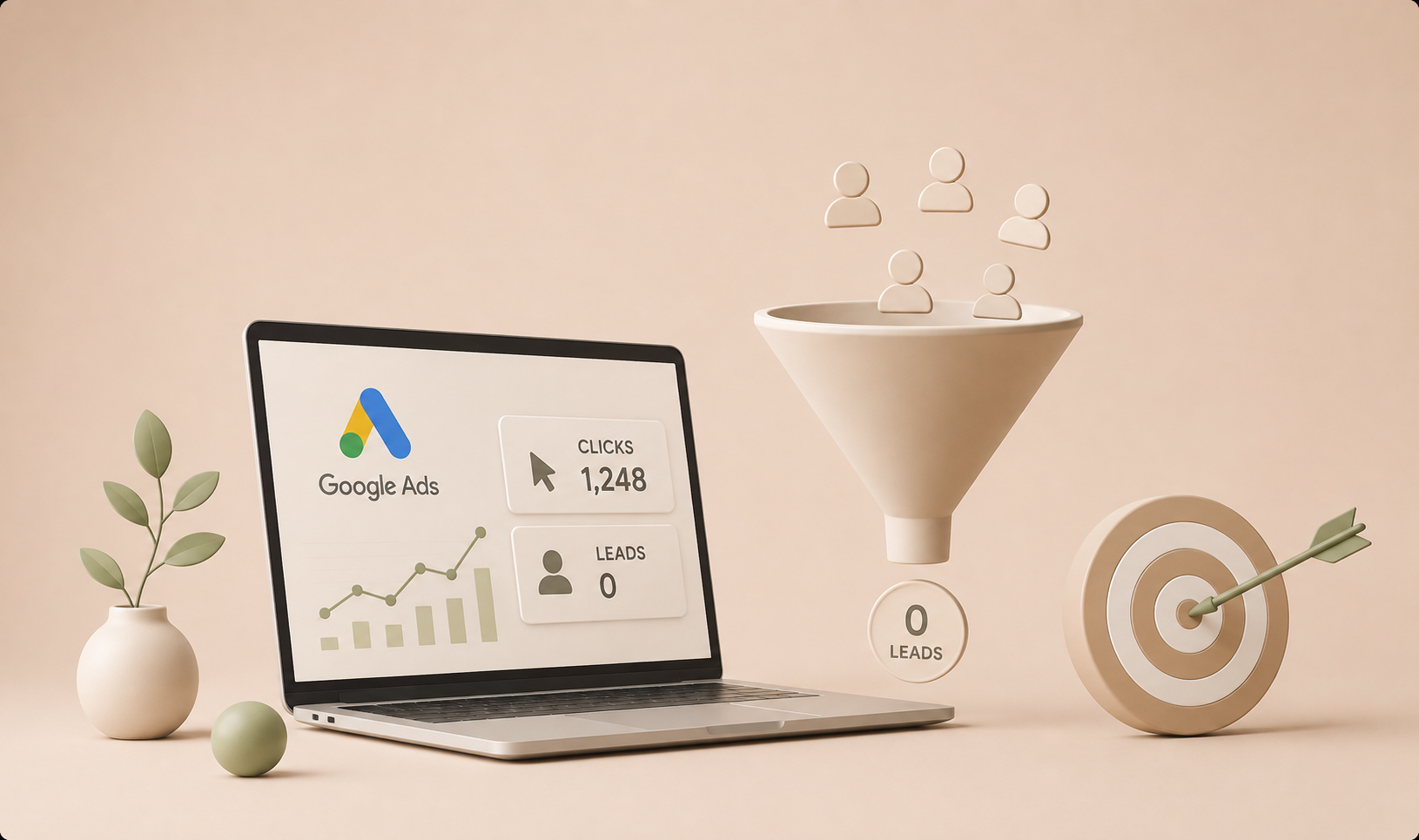
Why Your Google Ads Are Getting Clicks but No Leads
Are your Google Ads getting clicks but no leads? You’re not alone. Many businesses successfully drive traffic through Google Ads but struggle to turn that traffic into enquiries, calls, bookings, or sales.
You’re getting impressions.
People are clicking your ads.
Your Google Ads dashboard shows traffic coming to your website.
But the leads aren’t coming.
So what’s going wrong?
This is one of the most common problems businesses face with Google Ads. And in many cases, the problem isn’t simply the ads themselves.
A Google Ads campaign is only one part of the customer journey. Ad → Keyword → Landing Page → Offer → Trust → Conversion all have to work together.
If one part of that journey is broken, you can spend money generating clicks without generating meaningful business results.
Here are the most common reasons why your Google Ads are getting clicks but no leads—and how to diagnose where the problem is in your conversion funnel.
1. You're Targeting the Wrong Keywords
Not every search indicates buying intent.
For example, imagine you sell water purification systems.
Someone searching:
“water purifier price”
could be a potential customer.
But someone searching:
“how does water purification work”
may simply be researching.
Both searches can generate clicks, but their chances of becoming customers can be very different.
Focus on search intent
Your keywords should match what you want the user to do.
High-intent searches often include terms such as:
- Buy
- Price
- Near me
- Service
- Company
- Provider
- Installation
- Quote
- Cost
This doesn’t mean informational keywords are always bad. It means you need to understand why someone is searching before paying for that click.
2. Your Ad Doesn't Match the Search
A user searches for something specific.
They see your advertisement.
Then they click it.
But when they reach your website, the message is completely different.
That’s a problem.
For example:
Search:
“Performance marketing agency for real estate”
Ad:
“Grow Your Real Estate Business With Performance Marketing”
Landing page:
“Welcome to Our Digital Marketing Company”
The user immediately has to figure out whether they are in the right place.
Instead, the landing page should continue the same conversation.
Search → Ad → Landing Page
The message should feel consistent throughout the journey.
If someone searches for a specific service, show them that specific service.
Don’t make them search your website to find it.
3. Your Landing Page Is Losing the Customer
Getting the click is only half the job.
Your landing page has to convince the visitor to take the next step.
Common landing-page problems include:
- Too much text
- Weak headline
- No clear offer
- No obvious CTA
- Slow loading speed
- Poor mobile experience
- Too many navigation options
- Lack of trust signals
- Generic stock images
- No explanation of benefits
- Complicated forms
A visitor should understand three things almost immediately:
What do you offer?
Why should I choose you?
What should I do next?
If those answers aren’t obvious, you may lose the lead even after paying for the click.
4. Your Call-to-Action Is Weak
Sometimes the visitor is interested but doesn’t know what to do next.
Compare:
“Submit”
with:
“Get My Free Consultation”
The second CTA tells the user what happens after clicking.
Depending on the business, your CTA could be:
- Get a Quote
- Book a Consultation
- Request a Callback
- Get Pricing
- Schedule a Demo
- WhatsApp Us
- Start Your Free Consultation
Your CTA should match the user’s intent and reduce friction.
5. You're Asking for Too Much Information
Imagine clicking an ad because you want a quotation and finding a form asking for:
- Full name
- Company
- Job title
- Phone number
- Address
- City
- Industry
- Monthly revenue
- Annual turnover
- Marketing budget
- Website
- Additional comments
That’s a lot of work for someone who hasn’t even decided whether they trust you.
Only ask for information you genuinely need at that stage.
For many lead-generation campaigns, a simple form with a few important fields can be enough.
You can collect additional information later.
6. Your Ads Are Reaching People Outside Your Ideal Audience
You might be getting genuine clicks from genuine people — just not from the people who can become customers.
Check your:
- Locations
- Location options
- Demographics
- Search terms
- Devices
- Audiences
- Time of day
- Geographic performance
For local businesses, location targeting is especially important.
If your business only serves Hyderabad but your campaign attracts searches from locations you don’t serve, part of your budget could be wasted.
7. You Haven't Checked the Search Terms Report
This is one of the most important areas to examine.
Your keyword may be relevant.
But the actual searches triggering your ads may not be.
For example, you target:
“digital marketing services”
But your ads might appear for searches such as:
- digital marketing course
- digital marketing jobs
- digital marketing salary
- digital marketing internship
- digital marketing free course
Those people may click your ad but have no intention of buying your service.
The Search Terms report can help you identify irrelevant searches and add negative keywords.
This is one of the first places I would look when diagnosing a campaign that is spending consistently but producing poor lead volume or lead quality. The goal isn’t simply to find more searches; it’s to find searches that show a realistic path to becoming a customer.
Google describes the Search terms report as a way to see the searches that triggered your ads and refine your keyword targeting; irrelevant searches can be added as negative keywords.
8. Your Offer Isn't Strong Enough
Sometimes the advertising is fine.
The landing page is fine.
But the offer isn’t compelling.
Think about what you’re asking someone to do.
If you’re asking them to submit their details, what are they getting in return?
Depending on your business, you might offer:
- Free consultation
- Free quote
- Free audit
- Product demonstration
- Sample
- Trial
- Discount
- Assessment
- Strategy session
The stronger the perceived value, the easier it can be to convince the visitor to take action.
9. You're Sending Traffic to Your Homepage
Your homepage may be beautifully designed.
That doesn’t necessarily make it a good landing page.
If your advertisement promotes a specific service, sending users to the homepage can create unnecessary friction.
For example:
Ad:
“Google Ads Management for Real Estate Companies”
Destination:
Your homepage
A better approach could be:
Destination:
A dedicated landing page explaining your Google Ads service for real estate businesses.
The closer the landing page matches the user’s intent, the better the experience can be.
10. Your Conversion Tracking Is Broken
This is a critical issue.
You might actually be generating leads — but Google Ads isn’t recording them correctly.
Before changing your campaigns, verify your tracking.
Check whether important actions are being recorded, such as:
- Form submissions
- Phone calls
- WhatsApp clicks
- Purchases
- Bookings
- Demo requests
- Quote requests
A campaign without reliable conversion tracking is difficult to optimize properly.
You’re essentially making decisions without knowing which clicks are producing business results.
Before making major changes to bids, keywords, or budgets, confirm that your conversion actions are firing correctly and that the conversions being reported are the actions that actually matter to the business.
Google Ads conversion tracking is designed to measure valuable actions such as leads, sales, phone calls, and other conversions, helping you understand which ads and keywords contribute to business results.
Don't Optimize Google Ads for Clicks Alone
This is where performance marketing becomes different from simply running advertisements.
Getting more clicks isn’t necessarily the goal.
The real question is:
What happens after the click?
Imagine two campaigns.
Campaign A
10,000 impressions
500 clicks
50 leads
5% conversion rate
Campaign B
10,000 impressions
300 clicks
60 leads
20% conversion rate
Campaign B received fewer clicks.
But it generated more leads.
That’s why optimizing only for CTR or traffic can lead you in the wrong direction.
The goal should ultimately be business outcomes, not vanity metrics.
A Simple Google Ads Troubleshooting Framework
When a campaign is generating clicks but not leads, don’t immediately change everything.
Work through the funnel.
Step 1: Check the Search Terms
Are people searching for what you actually sell?
Step 2: Check the Ad
Does the advertisement clearly communicate the right offer?
Step 3: Check the Landing Page
Does the page immediately answer the user’s needs?
Step 4: Check the CTA
Is it obvious what the visitor should do next?
Step 5: Check the Offer
Is there a compelling reason to take action?
Step 6: Check Conversion Tracking
Are conversions actually being recorded?
Step 7: Check Lead Quality
Are you generating genuine potential customers or irrelevant enquiries?
This gives you a much clearer picture of where the problem actually exists.
A practical diagnostic sequence
When I review a lead-generation campaign, I prefer to diagnose the funnel in order rather than randomly changing campaign settings. Start with the quality of the traffic, then review the ad-to-page message match, then the conversion experience, and finally the tracking and lead quality data.
This prevents a common mistake: trying to solve a landing-page problem by changing keywords, or trying to solve a tracking problem by increasing the advertising budget.
The Google Ads Funnel You Should Think About
Instead of looking at Google Ads as:
Impressions → Clicks
Think about the entire funnel:
Impressions
↓
Relevant Search
↓
Ad Click
↓
Landing Page
↓
Engagement
↓
Lead
↓
Qualified Lead
↓
Sale
↓
Revenue
A problem at any stage can affect the final result.
That’s why a performance marketer doesn’t simply ask:
“How many clicks did we get?”
The better question is:
“How much business did those clicks generate?”
Final Thoughts
If your Google Ads are getting clicks but no leads, don’t immediately assume that Google Ads doesn’t work.
The problem could be your keywords.
It could be your targeting.
It could be your advertisement.
It could be your landing page.
It could be your offer.
It could be your conversion tracking.
Or it could be several of these problems happening at the same time.
The key is to diagnose the entire customer journey before making major changes.
Clicks are not the destination. They’re the beginning of the customer journey.
A successful Google Ads campaign isn’t simply one that attracts attention.
It’s one that turns the right searches into the right customers — and ultimately into measurable business growth.
Related Google Ads Resources
As you build your Google Ads knowledge, you may also want to read:
- Google Ads vs Meta Ads: Which One Should Your Business Use?
- 10 Google Ads Mistakes That Waste Your Advertising Budget
- How Much Should a Small Business Spend on Digital Advertising?
These articles can form a connected Google Ads content cluster on this website. Add internal links to each article once those pages are published.
Need Help Improving Your Google Ads?
If your campaigns are generating traffic but struggling to generate quality leads, a proper campaign and conversion-funnel audit can reveal where you’re losing potential customers.
Frequently Asked Questions
Common causes include low-intent keywords, irrelevant search terms, weak ad-to-landing-page alignment, poor landing-page conversion elements, an unclear offer, weak targeting, and incorrect conversion tracking. The first step is to identify where the user journey is breaking rather than immediately increasing the budget.
No. A high click-through rate shows that people are clicking, but it does not by itself show that those clicks are generating leads, sales, or revenue. Your campaign should ultimately be evaluated against meaningful business outcomes.
Use the Search terms report to review the searches that triggered your ads. Google recommends using this data to refine keywords and add irrelevant searches as negative keywords when appropriate.
Not necessarily. When an ad promotes a specific product or service, a dedicated landing page that closely matches the search and ad message can reduce friction and make the next action clearer.
Verify that the conversion actions you care about—such as form submissions, calls, purchases, or bookings—are being recorded correctly in Google Ads. Google recommends using conversion measurement to understand which interactions with ads lead to valuable actions.
Get In touch
Whether you need more leads, better ad performance, or a complete performance marketing strategy, let’s talk about your goals and find the right approach for your business.

